
Why a Day on Screens Can Leave You More Drained Than You Realize

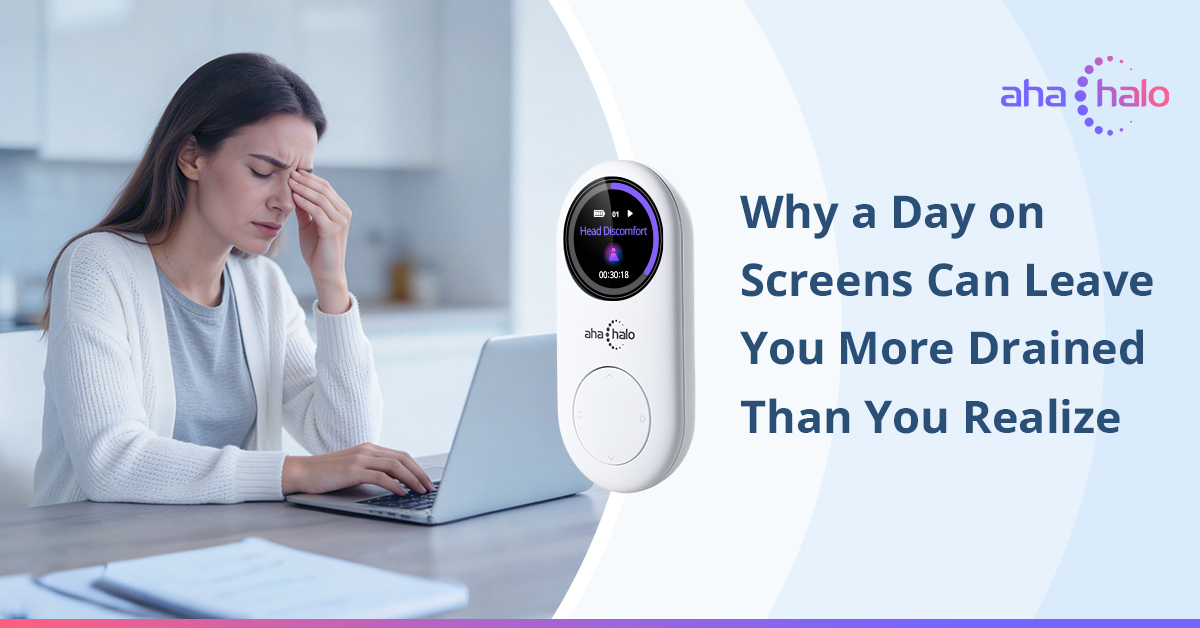
Most of us think screen time ends when we close the laptop, put down the phone, or turn off the TV. But your body may feel differently.
Maybe your eyes feel dry by dinner. Maybe your vision feels blurry after a full day of close-up work. Maybe your shoulders sit a little higher than they should, your neck feels stiff, and your mind still feels “on” long after work is done. Then bedtime arrives, but instead of drifting off easily, your brain keeps scrolling even when your hands are not.
That is the part many people miss: screen use is not just a visual habit. It can become a full-body pattern.
Your Eyes Work Harder Than You Realize
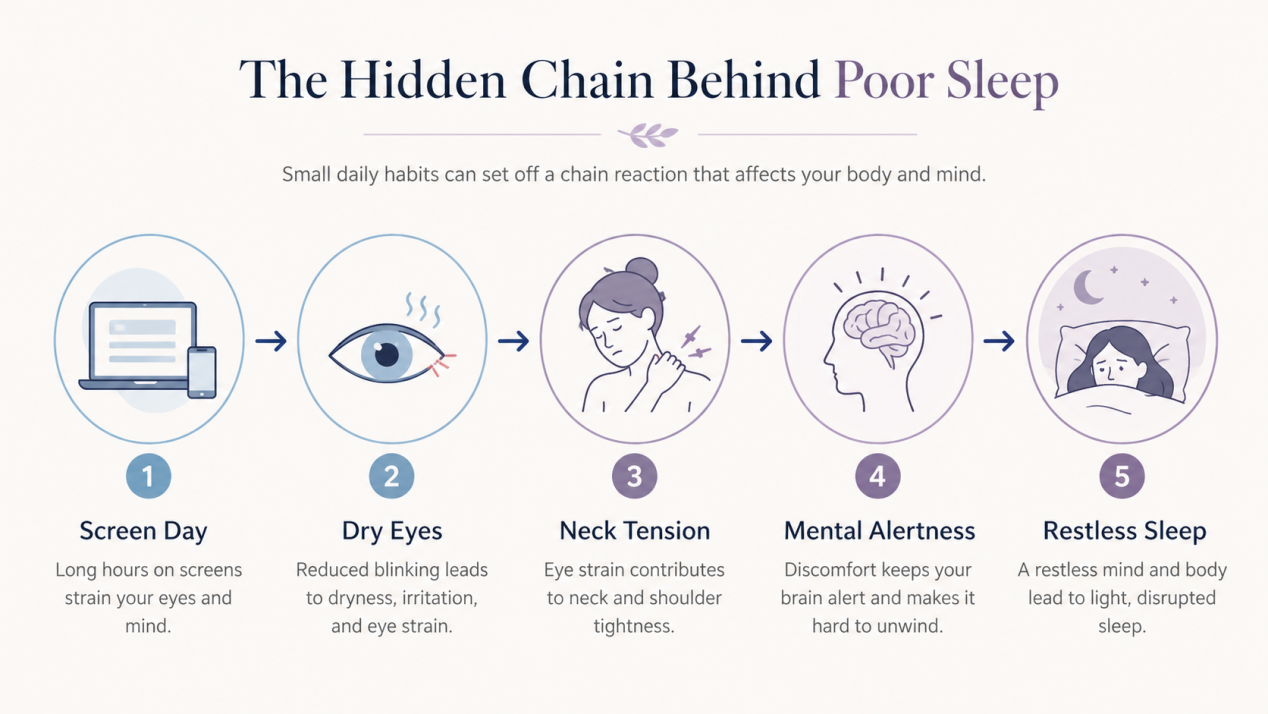
When you spend hours looking at a screen, your eyes are doing constant close-range work. They focus, refocus, track lines of text, adjust to brightness, and deal with glare. Over time, this can lead to that familiar screen-tired feeling: dry eyes, heaviness, blurred focus, or the need to rub your eyes more often.
One reason this happens is simple: people blink less when using screens. The American Academy of Ophthalmology notes that while humans normally blink about 15 times per minute, blink rate can drop to around 5 to 7 times per minute during computer use. Less blinking means less natural moisture spreading across the eyes, which can contribute to dryness and discomfort.
This is why digital eye strain often feels worse at the end of the day. It is not just “being tired.” Your eyes have been holding a close-focus position for hours with fewer natural breaks.
Screen Time Also Lives in Your Neck and Shoulders
Your eyes are not the only part of your body working overtime.
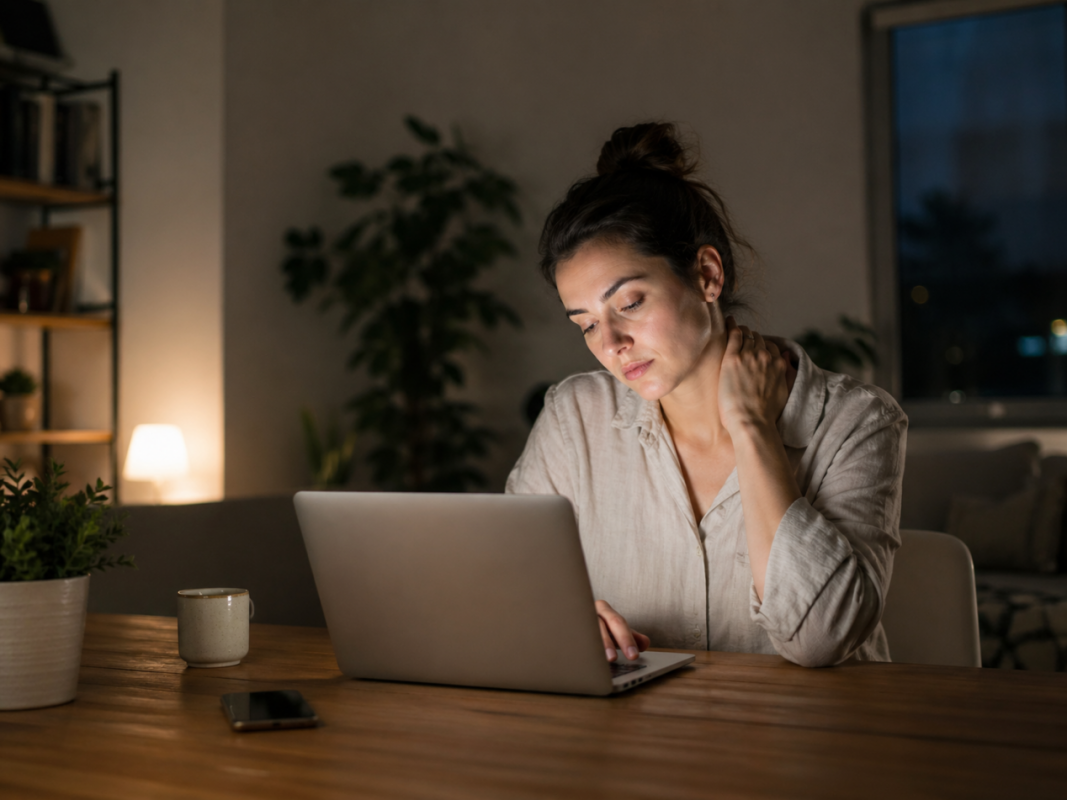
When you lean toward your laptop, look down at your phone, or hold your head forward for long periods, your neck and shoulders quietly take on the load. You may not notice it in the moment because your attention is on the screen. But by evening, your body starts reporting back: tight traps, a stiff neck, shallow breathing, or a heavy feeling across the upper back.
This is where screen fatigue becomes more than an eye issue. The body and brain are connected. When your posture stays tense all day, it can be harder to shift into a relaxed state at night.
Why Your Brain Still Feels Awake at Bedtime
Screens also affect your evening rhythm.
Light exposure at night, especially blue-enriched light from screens, can signal wakefulness to the brain. Harvard Health notes that blue light at night can suppress melatonin more strongly than some other types of light and may shift circadian rhythm timing.
That does not mean screens are “bad.” They are part of modern life. The issue is timing and intensity. When your evening includes bright screens, fast content, emotional messages, work emails, or endless scrolling, your nervous system may not receive a clear signal that the day is ending.
The National Sleep Foundation’s 2022 Sleep in America® Poll also found that many Americans use screens close to bedtime, with 58% looking at screens within an hour before bed.
So if you feel wired at night even after an exhausting day, it may not be a mystery. Your eyes, posture, focus system, and sleep rhythm may all be carrying the imprint of your screen day.
The 20-Minute After-Work Reset Routine
You do not need a perfect evening routine to feel better. Start with 20 minutes after work.
Minute 1–5: Step Away From the Screen
Put your phone aside and look outside, across the room, or at something far away. Let your eyes stop “gripping” close distance. Blink slowly a few times. If your eyes feel dry, this is also a good moment to hydrate or use eye drops if your eye care professional has recommended them.
Minute 6–10: Release the Neck and Shoulders
Try a gentle shoulder roll, slow neck tilt, or chest-opening stretch. Keep it soft. The goal is not a workout; it is a signal. You are telling your body, “We are no longer in work mode.”
Minute 11–15: Breathe Lower and Slower
Sit comfortably. Inhale through the nose, then exhale a little longer than you inhale. Repeat for a few minutes. This helps shift attention away from mental noise and back into the body.
Minute 16–20: Choose a Calming Evening Cue
Dim the lights. Play quiet audio. Prepare tea. Journal one sentence. Or simply sit without input. The point is to create a repeatable transition between screen time and sleep time.
Where Aha Halo Can Fit In
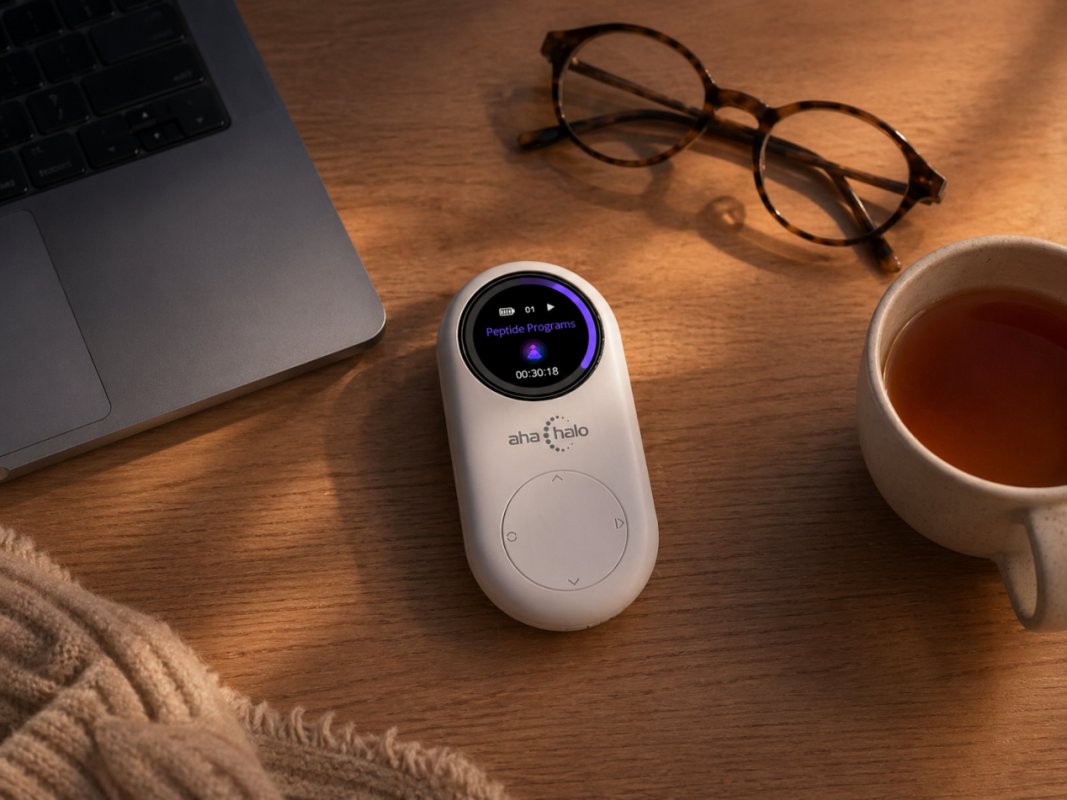
Aha Halo can be used as part of this evening reset, especially for people who want gentle energetic support during their daily wellness routine.
For a screen-heavy day, the most relevant programs to explore are:
- Good Near Vision (P) and Good Far Vision (P) for the visual side,
- Shoulder and Neck Discomfort (P) for the tension that often builds in the upper body
- Clarity and Focus (P) for that mentally overextended feeling
Pineal Gland (P) plus Good Sleep (P) for the evening rhythm and sleep side of the pattern.
A Simple Aha Halo Evening Flow
After work, try this:
Run Good Near Vision (P) or Good Far Vision (P) while you step away from screens.
Then switch to Shoulder and Neck Discomfort (P) during stretching or quiet time.
Later in the evening, use Pineal Gland (P) or Good Sleep (P) as part of your bedtime routine.
You can adjust based on how your body feels. Some days your eyes may need the most support. Other days, your neck and shoulders may be louder. On stressful days, Clarity and Focus (P) may help you create a clearer transition before moving into sleep support.
The Real Goal: Teach Your Body the Day Is Done
You do not have to quit screens to protect your evening. You just need a better ending.
Your eyes need distance. Your neck needs release. Your mind needs fewer signals. Your sleep rhythm needs darkness, calm, and consistency.
When you give your body a small reset after a long screen day, bedtime stops feeling like a sudden switch you are forcing yourself to flip. It becomes a gradual return to balance.
And that may be the most important reminder of all: your screen day does not have to follow you into the night.

How do I know which of the 2 eye programs are right for me